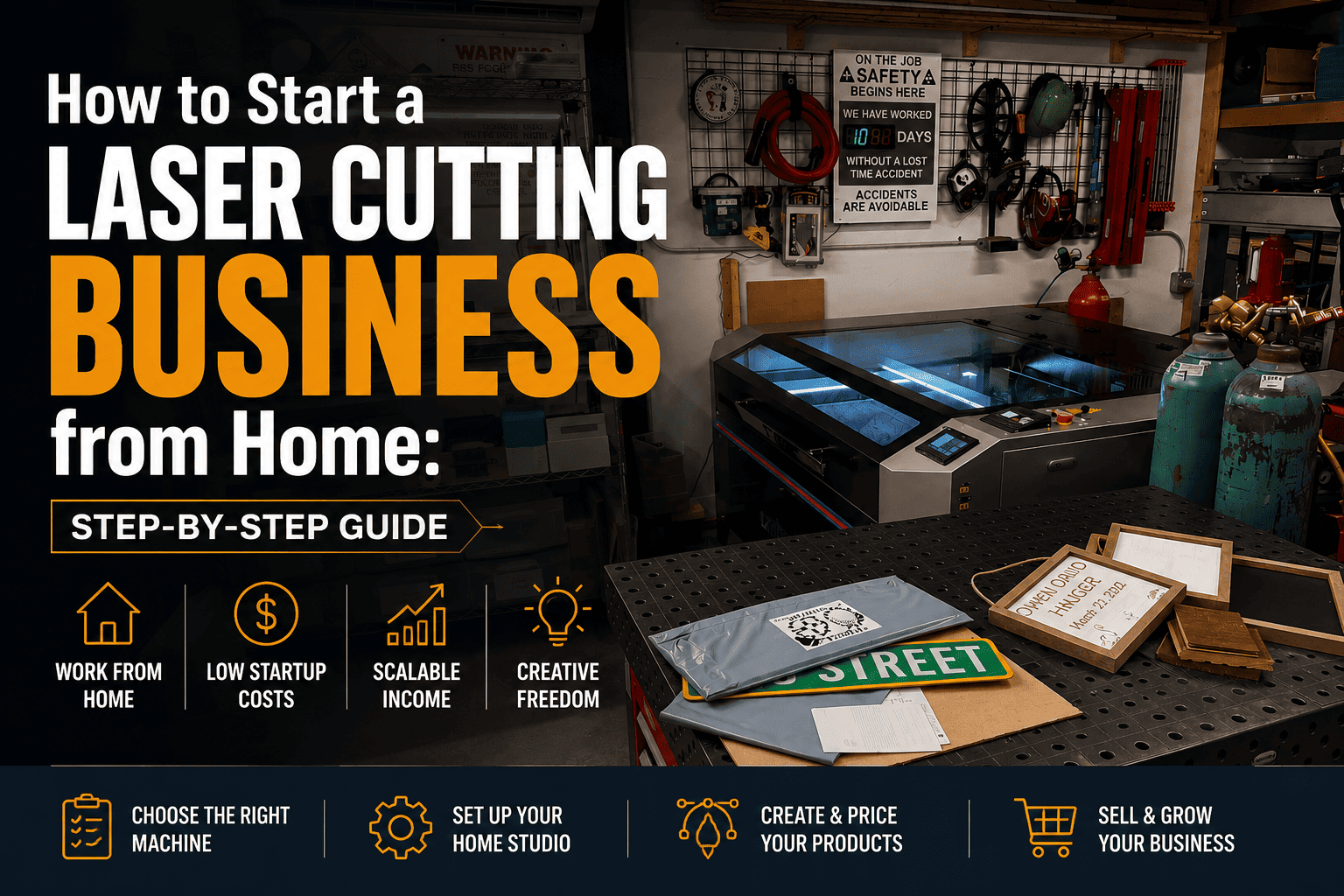
How to Start a Laser Cutting Business from Home: Step-by-Step Guide
Step 1: Is a Laser Cutting Business Right for You?
Starting a laser cutting business from home is genuinely exciting — but it’s not for everyone. Before you invest in equipment, it’s worth being honest with yourself about what this kind of business actually involves. You’re not just a crafter; you’re running a production operation from your home. That means managing orders, sourcing materials, dealing with customers, and constantly improving your craft.
The good news: the barrier to entry is lower than ever. Modern desktop laser cutters like the xTool D1 Pro or Glowforge are designed for home use, and platforms like Etsy make selling handmade products accessible to anyone. You don’t need a workshop or a storefront to build a profitable business.
Ask yourself: Do you enjoy detailed, repetitive work? Are you comfortable learning software like LightBurn or Adobe Illustrator? Can you dedicate at least 10–15 hours per week at the start? If the answer is yes to all three — you’re in the right place.
Step 2: Choosing Your First Laser Cutter — The Right Machine for Home Business
Your laser cutter is the heart of your business, so this decision matters. For beginners starting from home, there are two main categories: diode lasers (affordable, open-frame) and CO2 lasers (enclosed, more powerful, pricier). Each has its place depending on what you want to make and how much you want to spend.
Diode lasers (xTool D1 Pro, Sculpfun S30, Atomstack A20 Pro) are great entry points. They start at $200–$600, can engrave wood, leather, and acrylic, and are compact enough for a spare room. The downside: they’re slower and less powerful than CO2 machines, and most require an enclosure or good ventilation.
CO2 lasers (xTool P2, OMTech 60W, Glowforge Plus) cut faster, handle thicker materials, and produce cleaner edges. They’re better for a serious production setup but cost $1,500–$6,000+. For most home starters, a mid-range diode laser is the smart first investment — you can always upgrade later.
Key specs to compare: wattage, working area, software compatibility, and whether the machine comes with an enclosure.
Step 3: Essential Software — LightBurn and Design Tools You Need
The machine is only half the equation. To run a laser cutting business, you need to master the software side too. The good news: you don’t need to be a professional designer to get started.
LightBurn is the industry-standard software for controlling laser cutters. It handles both design and machine control, supports SVG, DXF, AI, and PDF files, and has a relatively gentle learning curve. A one-time license costs around $60 and it’s worth every cent. If your machine doesn’t support LightBurn, check for LaserGRBL (free) or the manufacturer’s own software.
For design work, you’ll want Adobe Illustrator (subscription-based, industry standard) or Inkscape (free, open-source, surprisingly capable). Canva Pro is useful for creating product mockups and marketing materials but can’t generate cut-ready files.
The fastest shortcut for a new business: buy ready-made SVG files from platforms like Creative Fabrica instead of designing everything from scratch. This saves dozens of hours and lets you focus on production and sales.
Step 4: Setting Up Your Home Workspace — Safety and Ventilation First
Your workspace can make or break your home laser business — not just for efficiency, but for safety. Laser cutting produces fumes that can be hazardous, so ventilation is non-negotiable.
Ventilation options: The simplest solution is to vent directly outside through a window using a 4-inch dryer duct and an inline fan. A better long-term setup includes a dedicated air filtration unit with activated carbon and HEPA filters (brands like BOFA or Fumex). If you’re cutting acrylic or MDF regularly, a proper fume extractor is essential, not optional.
Workspace setup basics: You need a sturdy, heat-resistant table at a comfortable working height. Keep your workspace clean — laser dust accumulates quickly and is a fire hazard. Have a fire extinguisher nearby. Never leave the laser running unattended. Use a camera if you need to step away briefly.
Space requirements: A dedicated 2×3 meter room or a large garage corner works well. Good lighting, a separate power outlet for the laser, and a computer nearby for LightBurn complete the basic setup.
Step 5: What to Make and Sell — Best Products for a Home Laser Business
Choosing the right products is one of the most important business decisions you’ll make. Not everything that looks beautiful sells well — you need to find the intersection of what’s popular, what’s profitable, and what you can produce consistently.
Top-selling laser cut product categories in 2025:
- Personalized gifts — name signs, wedding gifts, anniversary plaques. High demand year-round, easy to personalize.
- Home décor — wall art, mandalas, decorative panels. Pinterest and Etsy trends drive constant demand.
- Organizers and storage — desk organizers, kitchen caddies, drawer dividers. Practical products sell steadily.
- Holiday items — Christmas ornaments, Easter decorations, Halloween décor. Seasonal spikes can make your month.
- Pet accessories — name tags, personalized bowls, memorial plaques. A growing niche with loyal buyers.
- Wedding supplies — table numbers, place cards, cake toppers. High-value orders, repeat referrals.
Start with 3–5 core products. Master those before expanding. Profit margins are typically best on personalized items because customization adds perceived value without dramatically increasing your production cost.
Step 6: Pricing Your Products — How to Actually Make a Profit
Underpricing is the number one mistake new laser business owners make. They look at competitors, get scared, and price their work too low — then wonder why they’re exhausted and barely breaking even. Here’s a formula that actually works:
Cost of Goods (COGS) = Materials + Consumables + Machine wear + SVG file cost (amortized)
Then apply this simple rule: Price = COGS × 3 to 4 for handmade/personalized items. This covers your time, overhead (electricity, software subscriptions), packaging, and platform fees — and still leaves a healthy margin.
Example: A personalized wooden name sign costs $3 in materials, $0.50 in consumables, $0.30 in file costs = $3.80 COGS. At 3.5× markup, the sale price should be around $13–$15. That’s before Etsy fees and shipping — factor those in and aim for $18–$22 retail.
Don’t price for the cheapest buyer. Price for the buyer who values quality. Those are your real customers.
Step 7: Where to Sell Your Laser Cut Products
You have more sales channels than ever before — the challenge is choosing the right ones for your stage of business. Here’s a breakdown of the main options:
Etsy — the global standard for handmade goods. Massive built-in audience, but competitive. Start here to validate your products. Fees: ~6.5% transaction + $0.20 listing fee.
Amazon Handmade — great for scaling, harder to get into, but powerful for US market reach.
Your own website (Shopify, WooCommerce) — more control, zero platform fees, but you drive all your own traffic. Best as a second step once you have consistent sales.
Local markets and craft fairs — underrated. Face-to-face selling builds loyal customers and gives you instant feedback on what people actually love.
Instagram and Pinterest — not just marketing tools but direct sales channels. Instagram Shopping and Pinterest’s product pins can drive real revenue.
Wholesale to local shops — sell your products to boutique stores, gift shops, or florists at wholesale (typically 50% of retail). Lower margin per unit, but volume and stability.
Start with Etsy + one local channel. Build from there.
Step 8: Marketing Your Laser Cutting Business — Pinterest, Instagram and SEO
Great products don’t sell themselves. Marketing is the engine of your business, and the good news is that laser cut products are incredibly visual — which means they perform exceptionally well on visual platforms.
Pinterest is the single best long-term marketing channel for laser cut products. Pins have a lifespan of months or years (unlike Instagram posts which die in 48 hours). Create 3–5 fresh pins per week, use keyword-rich titles and descriptions, link every pin to your shop or website. Focus on seasonal content 6–8 weeks ahead of the holiday.
Instagram works best for building brand personality and showing your process. Reels of the laser cutting in action get strong organic reach. Use Stories for behind-the-scenes content and polls.
SEO for Etsy: Your listing titles, tags, and descriptions are your SEO. Use all 13 tags, front-load your main keyword in the title, and write descriptions that answer buyer questions. Tools like EtsyHunt or Marmalead help identify high-volume, low-competition keywords.
Email marketing: Even a small email list (500–1,000 subscribers) of past buyers is worth more than 10,000 social media followers. Start collecting emails from day one with a simple discount offer.
Step 9: Legal and Financial Basics — Register, Track, and Protect Your Business
Many home laser business owners skip the legal and financial setup at the start — and regret it later. Getting this right from the beginning saves headaches, tax problems, and potential legal exposure.
Business structure: In the US, an LLC (Limited Liability Company) is the most popular choice for small makers. It protects your personal assets, looks professional, and is simple to maintain. Cost: $50–$500 to register depending on your state. In the UK, a sole trader registration is free and immediate.
Taxes: Track every expense from day one — materials, software, equipment, shipping supplies, even part of your home utilities if you have a dedicated workspace. These are all deductible business expenses. Use accounting software like Wave (free) or QuickBooks Simple Start.
Business bank account: Open one even if you’re a sole trader. Mixing business and personal finances creates chaos at tax time and looks unprofessional.
Licensing: Check local zoning laws. Some residential areas restrict commercial activity. Most home-based craft businesses fly under the radar, but it’s worth knowing your local rules.
Copyright: When using SVG files from third-party platforms, always check the commercial license. Files licensed for personal use only cannot be used in products you sell. Always buy commercial licenses.
Step 10: Scaling Up — From Side Hustle to Full-Time Income
Most laser cutting businesses start as side hustles — and that’s perfectly fine. The goal is to grow strategically, not to burn out in the first six months.
Phase 1 (Months 1–3): Learn your machine, test 3–5 products, make your first 10 sales. Focus on learning, not profit. Reinvest everything.
Phase 2 (Months 3–6): Identify your 2–3 bestsellers. Optimize your listings and photos. Build a small social media presence. Aim for $500–$1,000/month revenue.
Phase 3 (Months 6–12): Add a second machine or upgrade. Introduce wholesale accounts. Build an email list. Start creating your own simple SVG designs. Target $2,000–$5,000/month.
Phase 4 (Year 2+): Hire part-time help for fulfillment. License your designs. Launch a website. Consider teaching workshops or selling your own digital files — a business model with zero per-unit cost.
The key to scaling: systematize everything. Create templates for listings, standard material settings for your most-used materials, order tracking systems. The more you systematize, the less you work per dollar earned.
Step 11: Common Mistakes to Avoid When Starting a Laser Cutting Business
Learning from others’ mistakes is one of the fastest ways to get ahead. Here are the most common pitfalls new laser business owners fall into — and how to avoid them.
Buying the wrong machine first. Many beginners buy the cheapest laser available, struggle with quality, and then upgrade anyway. Research your needs carefully. A mid-range machine bought once is better than two cheap ones bought twice.
Skipping ventilation. Cutting without proper ventilation is a health risk and a fire risk. Don’t do it.
Pricing too low. We covered this in Step 6. Low prices attract bargain hunters who complain the most and buy once. Price for value.
Trying to sell everything to everyone. Niche down. «Personalized wedding gifts» beats «laser cut stuff» every time.
Not tracking costs and time. Many people discover they’re making $3/hour only after months of work. Track everything from day one.
Ignoring photography. Your photos are your storefront. A beautiful product photographed badly will outsell an average product photographed brilliantly — but only barely. Great photos for great products is the winning formula.
Waiting for perfection. Your first listings don’t have to be perfect. Launch, learn, iterate.
Step 12: Is It Really Worth Starting a Laser Cutting Business in 2026?
The honest answer: yes — but only if you treat it like a real business, not just a hobby that happens to make some money.
The laser cutting market continues to grow. Demand for personalized, handmade gifts is not slowing down. Laser cutters are becoming more affordable and capable every year. And unlike many other home businesses, laser cutting offers genuine product differentiation — you can make things that no factory in China is going to mass-produce at your price point and customization level.
The ceiling is real too. A one-person home operation on a single machine can realistically generate $2,000–$5,000/month in revenue. With a second machine and some help, that doubles or triples. Some laser business owners generate $10,000–$20,000/month and beyond — with multiple machines, staff, and a strong brand.
What separates the successful ones from those who quit? Consistency, willingness to learn, smart pricing, and not giving up after a slow first month. The market rewards persistence.
If you’ve read this far, you have everything you need to start. The rest is action.
Ready to find premium SVG files for your laser cutting business?